DPDP Compliance Checklist for Websites: 15 Things to Audit
Use this 15-point DPDP compliance checklist to audit your website’s consent forms, privacy notices, cookies, security, Data Principal rights and consent records.

A website is often the first place where a business collects personal data.
Contact forms, registration pages, newsletter subscriptions, enquiry forms, account creation, checkout pages, support requests, cookies and analytics tools can all involve the processing of personal data. This makes the website an important starting point for DPDP Compliance.
But adding a privacy policy and a consent checkbox does not automatically make a website DPDP compliant.
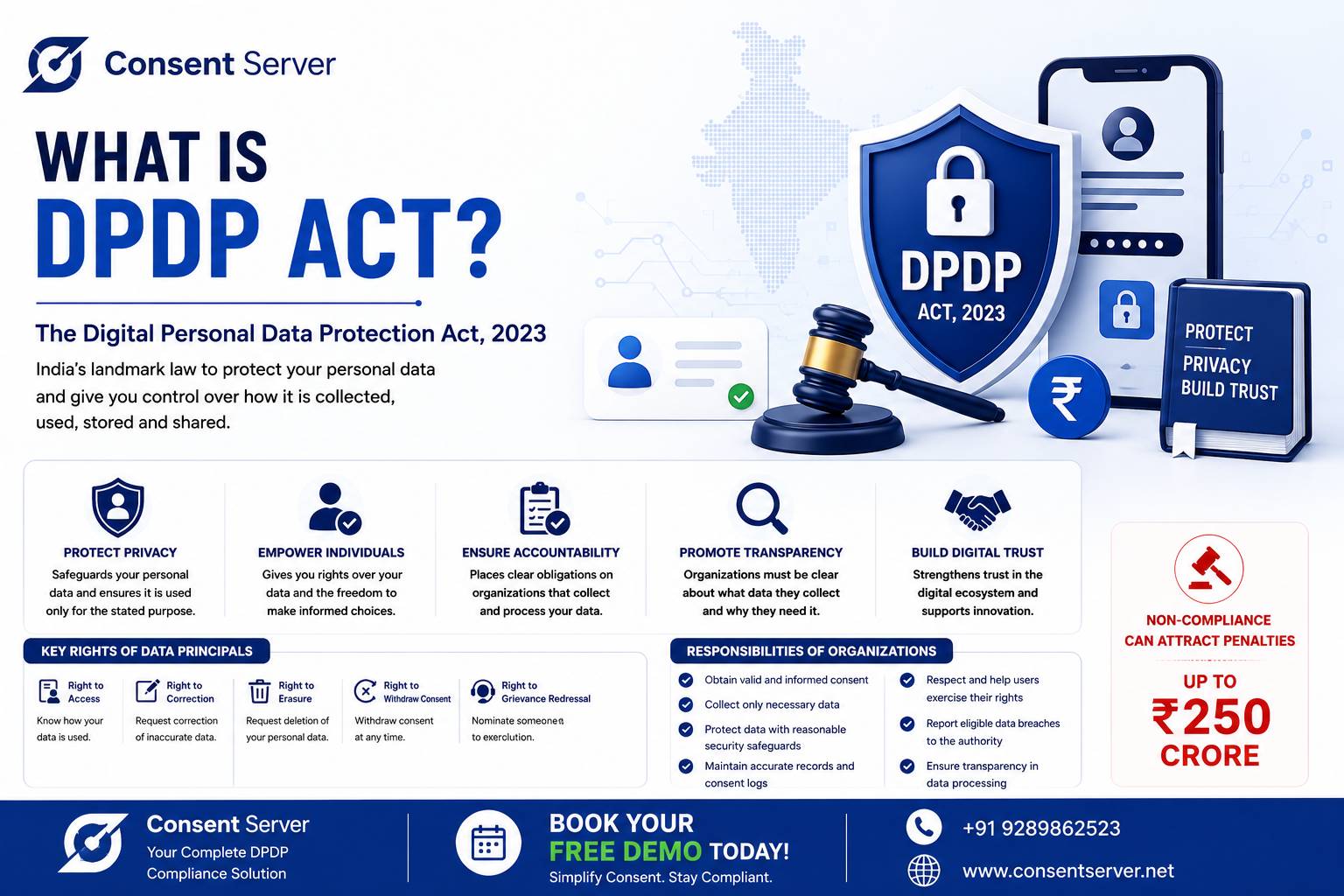
The Digital Personal Data Protection Act, 2023 provides that personal data may be processed for a lawful purpose based on consent or certain legitimate uses. Where consent is sought, the request must be accompanied or preceded by an appropriate notice, and consent must meet the statutory requirements.
For businesses preparing their websites for the DPDP framework, here are 15 areas worth auditing today.
1. Identify Every Place Where Your Website Collects Personal Data
Start by mapping every point on your website where visitors provide or generate personal data.
This may include contact forms, demo requests, registrations, newsletter subscriptions, checkout pages, job applications, customer portals, support forms and account creation.
Do not limit the audit to visible forms. Review the entire data flow behind the website.
Ask:
What personal data is being collected?
Where is it stored?
Which system receives it?
Who can access it?
Which third parties receive it?
You cannot properly manage website privacy if you do not know where the data goes.
2. Define the Purpose of Every Data Collection Field
Every field should have a clear business purpose.
For example, if someone requests a product demo, their name, business email and phone number may be relevant to arranging the demo.
But asking for unrelated information without a clear purpose can create unnecessary data exposure.
Your website audit should therefore connect each category of personal data with the specific purpose for which it is processed.
Purpose-based data mapping also makes consent management much easier later.
3. Review Your Privacy and Consent Notices
A generic sentence such as “By submitting this form, you agree to our privacy policy” may not adequately address what is required where consent is being sought.
The Act requires the consent request to be accompanied or preceded by a notice informing the Data Principal about the personal data and the purpose for which it is proposed to be processed, along with information about exercising relevant rights and making a complaint.
The DPDP Rules, 2025 further specify that the notice should be independently understandable and use clear and plain language, including an itemised description of personal data and specified purposes. Those notice requirements are part of the Rules' phased commencement.
Review notices on all important website forms rather than relying only on a long privacy policy.
4. Audit Every Consent Checkbox
Check every consent checkbox on the website.
Consent under the Act must be free, specific, informed, unconditional and unambiguous, with a clear affirmative action.
Avoid designing consent so that users cannot understand what they are agreeing to.
You should also review whether unrelated purposes have been combined into a single consent.
For example, submitting a sales enquiry and agreeing to receive future promotional communication are not necessarily the same purpose.
A Consent Management Platform can help businesses maintain purpose-based consent instead of treating every interaction as one generic approval.
5. Check Whether Consent Is Actually Required
Another common mistake is assuming that every processing activity must be based on consent.
The DPDP Act permits processing for a lawful purpose where the Data Principal has given consent or for certain legitimate uses specified under the Act. MeitY
Your audit should therefore identify the applicable processing basis rather than automatically adding consent checkboxes everywhere.
This distinction is important for building accurate DPDP Compliance workflows.
6. Audit Marketing and Newsletter Consent Separately
Marketing deserves special attention.
A person who submits an enquiry may expect a response to that enquiry. That does not necessarily mean the business should treat the interaction as unrestricted permission for every future marketing activity.
Review newsletter subscriptions, promotional SMS, email campaigns, WhatsApp communication and other marketing workflows.
Where marketing processing relies on consent, make sure the relevant preference can be recorded, updated and withdrawn.
7. Test the Consent Withdrawal Process
Giving consent is only half of the lifecycle.
The DPDP Act provides that a Data Principal may withdraw consent, and the ease of doing so should be comparable to the ease with which consent was given. MeitY
Test your website as if you were the customer.
Can users find the withdrawal mechanism?
Can they submit the request easily?
Does the change reach the relevant systems?
Does your organisation maintain evidence of the withdrawal?
If consent can be collected online in seconds but withdrawing it requires multiple emails and manual follow-ups, that workflow deserves attention.
8. Check What Happens After Consent Is Withdrawn
This is one of the most important technical audits.
Suppose a customer withdraws marketing consent on your website.
What happens next?
Does your CRM receive the updated preference?
Does your email marketing platform stop the relevant campaigns?
Does your SMS system receive the change?
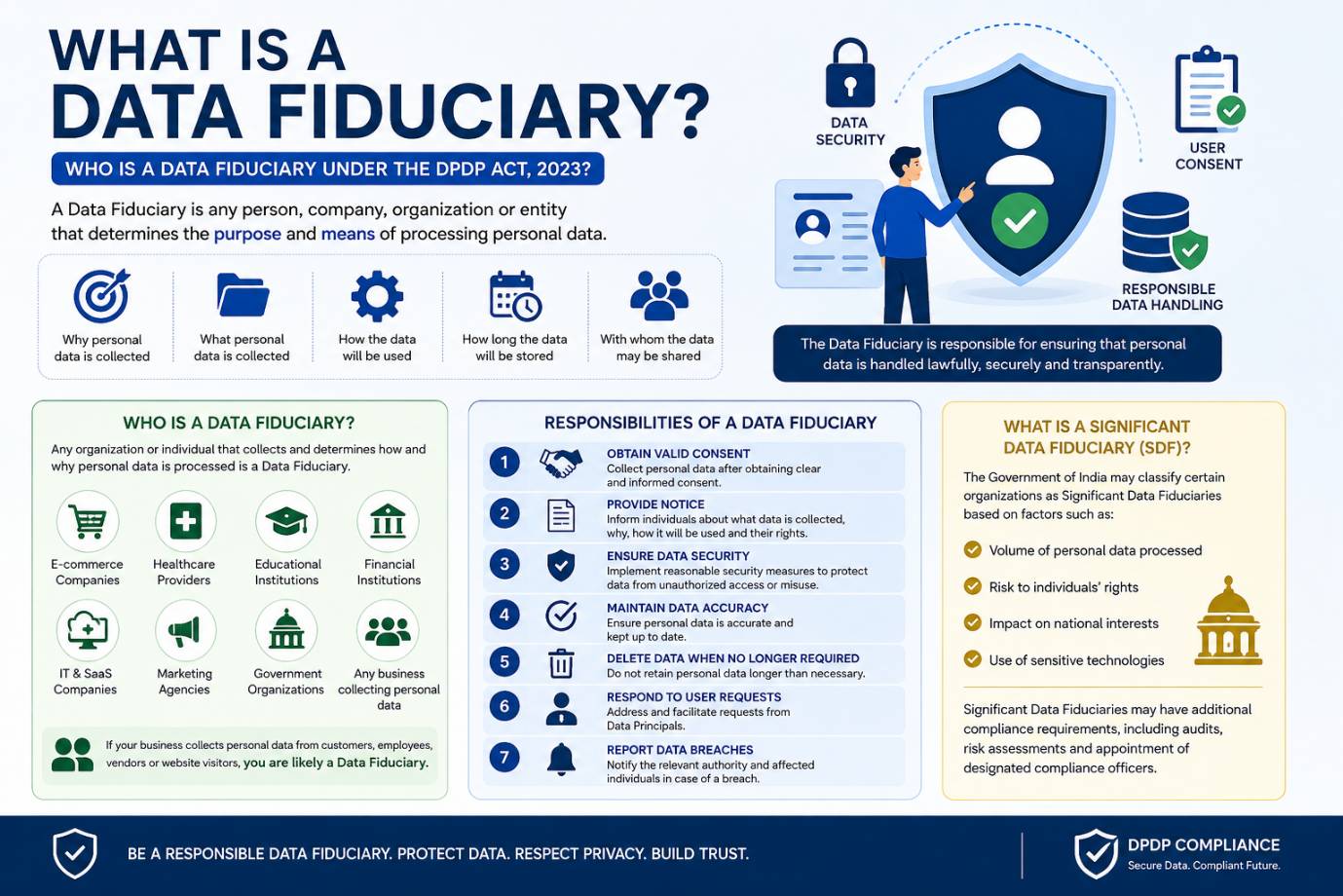
Do configured Data Processors receive the necessary instruction?
A successful website update does not necessarily mean every connected system has been updated.
A DPDP Consent Management Platform should help businesses manage consent as a lifecycle across connected systems rather than as a static website checkbox.
9. Review Cookies, Trackers and Third-Party Scripts
Modern websites can load numerous third-party technologies.
These may include analytics tools, advertising technologies, chat widgets, embedded videos, social-media integrations, heatmaps and other scripts.
Audit what technologies your website loads and what data they collect or transmit.
For each one, understand its purpose, the data involved, the recipient and how it fits within your overall DPDP compliance framework.
Do not assume that installing a cookie banner by itself solves every website privacy requirement.
10. Review Data Principal Request Mechanisms
Your website should also be evaluated from the perspective of Data Principal rights.
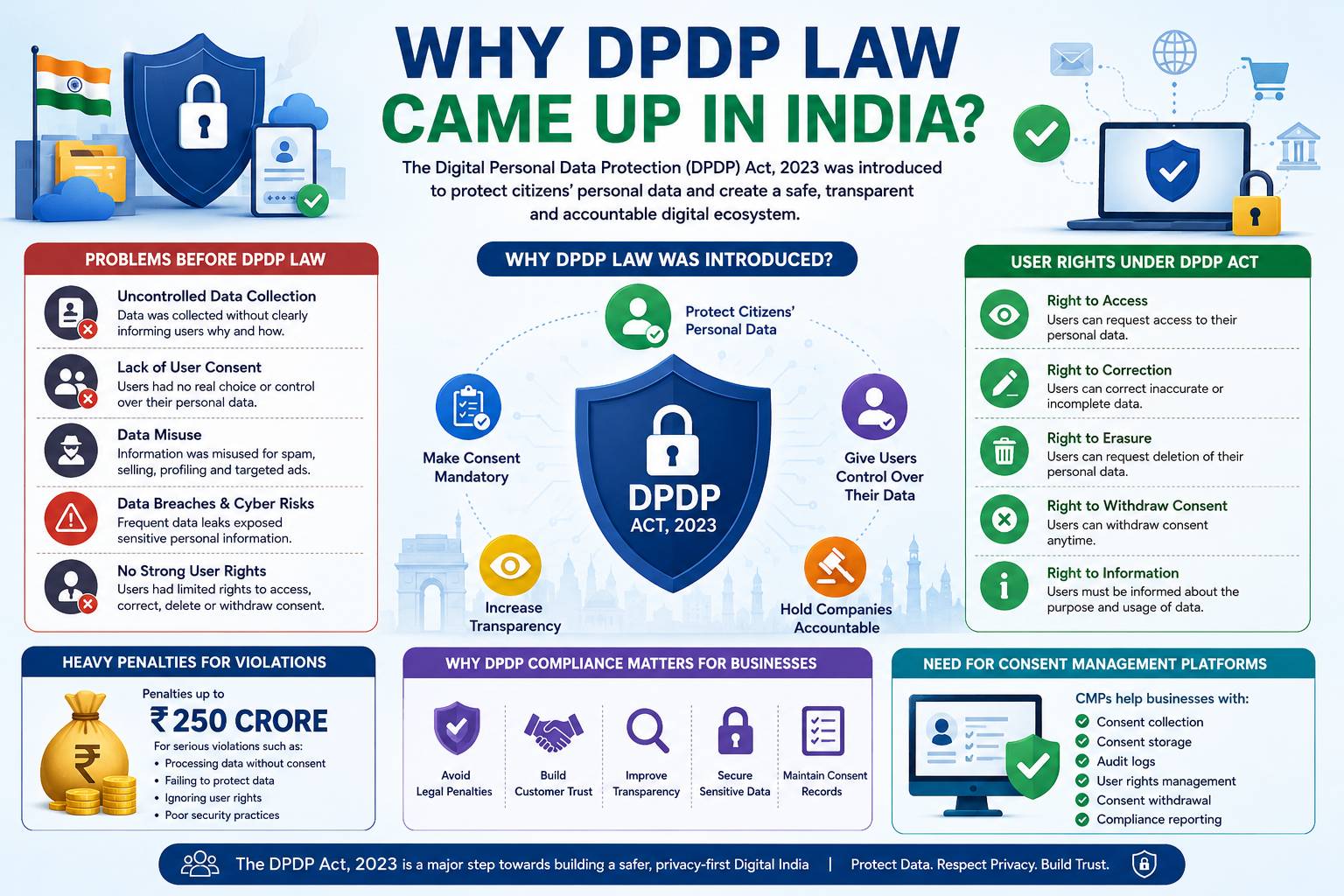
The DPDP framework provides rights concerning access to information about personal data, correction and erasure, grievance redressal and nomination, subject to the framework's commencement schedule. MeitY
Determine how users will exercise applicable rights through your organisation.
The important issue is not simply displaying a form.
You also need an operational process behind it.
Who receives the request?
How is the requester identified?
Which team handles it?
How is progress tracked?
How is completion recorded?
A structured DPDP Compliance Software platform can make these workflows significantly easier to manage.
11. Audit Website Security Controls
DPDP compliance is also a security issue.
Review access control, encryption, administrative permissions, application security, database security, logging, monitoring, backup processes and incident response.
The DPDP Rules specify minimum security-safeguard concepts including measures such as encryption or other appropriate protections, access controls, logs and monitoring, backups and measures relating to processors; the relevant rule is scheduled under the phased commencement framework. MeitY
Website security therefore needs to extend beyond installing an SSL certificate.
12. Check How Long Website Data Is Retained
Your website may have collected years of enquiries, abandoned registrations, support messages and inactive account information.
Ask whether all of that data still needs to be retained.
Review retention periods across website databases and connected applications.
Also identify situations where information needs to be retained because another applicable law requires it.
Retention should be treated as part of the data lifecycle rather than allowing personal data to accumulate indefinitely without review.
13. Review Your Third-Party Data Processors
A website rarely operates alone.
Hosting providers, CRM platforms, email services, SMS providers, payment gateways, cloud services, analytics systems and support tools may all participate in the wider data ecosystem.
Map these third-party relationships.
Understand what personal data is shared, for what purpose, and what controls exist around that processing.
A strong website audit should follow personal data beyond the website itself.
14. Check Whether You Can Prove Consent Later
Imagine being asked six months later:
When did this customer give consent?
What notice did they see?
Which purpose did they agree to?
Was the consent later updated?
Was it withdrawn?
Which version of the notice or consent form applied?
If your organisation cannot reconstruct this history, your consent architecture may need improvement.
This is one reason a centralized Consent Management Platform can be more effective than storing isolated checkbox values inside individual applications.
15. Test Your Complete Website Compliance Workflow
Finally, test the entire process from beginning to end.
Do not audit each component only in isolation.
Run a realistic scenario.
A visitor opens the website, reads the notice, provides personal data, gives consent for a specific purpose, later changes the preference, withdraws consent and submits a Data Principal request.
Now follow that event through your systems.
Can your organisation see the complete history?
Can connected applications receive consent changes?
Can failures be identified?
Can the request be tracked?
Can you produce reliable records later?
That end-to-end test often reveals compliance gaps that a simple website checklist misses.
Why a Website Plugin Alone May Not Be Enough
A WordPress, Shopify or cookie plugin can be useful for specific website functions.
But DPDP compliance can extend beyond the browser.
Customer data may move from the website into CRM systems, marketing platforms, databases, mobile applications, customer-support systems and Data Processors.
That means businesses may need a centralized compliance layer capable of connecting these systems.
This is where a dedicated DPDP Consent Management Platform becomes valuable.
How Consent Server Helps with Website DPDP Compliance
Consent Server is designed to provide businesses with centralized technology for managing consent and related DPDP workflows.
Instead of treating consent as a checkbox stored separately by each website or application, Consent Server can maintain a centralized consent lifecycle.
It supports purpose-based consent, consent grants, updates, withdrawals, renewals and expiry while maintaining detailed consent history.
Connect Your Website with Other Business Applications
Consent Server provides APIs and webhooks that can integrate consent events with websites, mobile applications, CRM systems, marketing platforms and other enterprise applications.
When a consent state changes, configured downstream systems can be informed.
Consent Server's event architecture can also support delivery tracking, acknowledgement, retry and escalation workflows, providing greater visibility into what happens after a consent event is generated.
Manage Data Principal Requests from One Platform
Consent Server also supports structured workflows for Data Principal requests, including access, correction and erasure requests, along with request history and status tracking.
Grievance management can also be handled within the platform.
This helps organisations move beyond simply adding a “Privacy Request” form to a website and build an operational process behind it.
Build Audit-Ready Consent Records
Consent Server maintains detailed consent and audit records.
Purpose-based consent, notice/version management, role-based access control, reporting and hash-based tamper detection help businesses build more structured compliance operations.
For organisations requiring greater infrastructure control, Consent Server also supports self-hosted and on-premise deployment.
These capabilities make Consent Server a strong option for Indian businesses evaluating a Consent Management Platform, DPDP Consent Management Platform or DPDP Compliance Software.
Your Website Is the Starting Point, Not the Finish Line
A website DPDP audit is an excellent place to begin because it exposes many of the points where customers first interact with your organisation.
But true DPDP Compliance goes beyond the website.
Businesses need to understand how personal data and consent decisions move through CRM systems, marketing platforms, internal databases, applications and third-party processors.
The goal should therefore be to move from isolated privacy controls to a centralized, traceable and operational compliance architecture.
Consent Server helps businesses build that foundation by bringing consent lifecycle management, Data Principal workflows, APIs and webhooks, audit records, reporting, tamper detection and enterprise integrations into one platform.